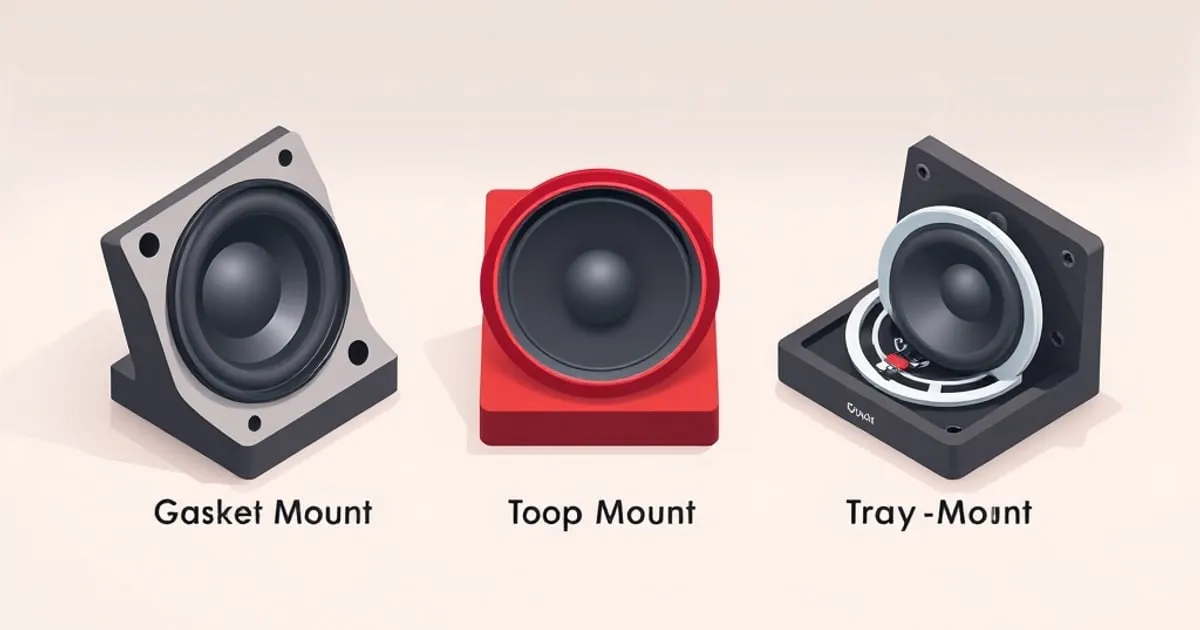
Gasket Mount vs Top Mount vs Tray Mount: How Case Mounting Changes Sound and Feel
Compare gasket, top, and tray mount keyboards by sound and feel. Practical breakdown of how each mounting style shapes acoustics, flex, and modding ceiling.
Pick any two mechanical keyboards with the same switches, the same keycaps, and the same case material — and they will still sound and feel different if the mount style differs. How the plate (the metal or plastic sheet that holds the switches) is attached to the case is one of the largest acoustic and tactile variables in a keyboard, and it changes nothing you can see from the outside.
This guide compares the three mount styles you will actually encounter: tray mount, top mount, and gasket mount. If you’re new to why these matter, the sound mods guide sits next to this one — mount style is the structural side of the same conversation.
Why mount style matters at all
When you press a switch, the bottom-out impact travels into the plate, into whatever connects the plate to the case, and out through the case walls as audible sound. The mounting determines:
- How much vibration reaches the case. Rigid connections transmit everything; compliant ones absorb energy.
- How much the plate flexes. A plate held only at its edges with soft material can move slightly under each press; a plate screwed flat to the case cannot.
- Where the sound peaks land. Hard mounts emphasize higher frequencies (“clacky”); soft mounts let the lower frequencies dominate (“thocky”).
There is no objectively “best” mount style. There are tradeoffs that match different preferences and budgets.
Tray mount
The PCB is screwed directly to standoffs in the bottom of the case. The plate sits on the switches but is not itself fastened to the case — it is held in place by the switches that link it to the PCB.
Characteristics
- Sound: Hard, often louder, with a tendency toward hollow case resonance and a metallic “ping” if the case is aluminum and undamped. Sound is uneven across the board — keys near a screw post sound tight, keys between posts sound looser.
- Feel: Generally firm, with localized variation. Keys above a standoff feel stiffer than keys far from one.
- Cost: The cheapest mount style to manufacture. Almost universal on entry-level prebuilt boards.
- Modding ceiling: Modest. Foam and tape mods (see the sound mods guide) can reduce hollowness, but you cannot mod away screw-post unevenness.
Who it suits
Tray mount is the default mount for budget and entry-level boards. It works fine. If you have not tried other mounts, you have probably mostly typed on tray mount and might not realize how much of the “stock keyboard sound” you associate with mechanical boards is really the mount style talking.
Top mount
The plate has tabs or tap-holes around its edge that are screwed directly into posts inside the upper half of the case. The PCB hangs from the plate via the switches.
Characteristics
- Sound: Firmer and tighter than tray mount, with less hollow resonance because the plate is held uniformly around its perimeter rather than at scattered interior posts. The sound profile is often described as “clacky” or “crisp.”
- Feel: Very consistent across the board — no soft spots, minimal flex. Some typists love this; others find it harsh on long sessions.
- Cost: Mid-range. Common on enthusiast prebuilt boards and many group-buy customs.
- Modding ceiling: Higher than tray. Plate material choice (FR4, POM, aluminum, brass, polycarbonate) becomes a real lever because nothing else absorbs that energy first.
Who it suits
Typists who want a firm, immediate response with no flex, and who do not mind a sharper acoustic profile. Top mount is the traditional enthusiast choice and is still extremely common on custom builds.
Gasket mount
The plate is sandwiched between strips of soft material (silicone, Poron, EPDM) attached to the upper and lower halves of the case. The plate is not directly screwed to the case at all — it floats between the gaskets when the case is closed.
Characteristics
- Sound: Softer and deeper, with less high-frequency emphasis. The gaskets absorb some of the bottom-out energy before it reaches the case walls. This is the source of the popular “thocky” sound profile.
- Feel: Some flex on each press, varying with how thick and soft the gaskets are. Generally described as more cushioned and less fatiguing on long sessions, though “less precise” is a fair counter-description.
- Cost: Historically expensive, but has trickled down dramatically. Mid-range gasket-mount boards are now common.
- Modding ceiling: Very high. Gasket material thickness and density are tunable; some boards ship with multiple gasket sets.
Who it suits
The current default preference for new buyers who care about sound and feel. Gasket mount is also the most forgiving of cheap switches — the case absorbs some of what would otherwise be unpleasant high-frequency noise.
Side-by-side, at a glance
In rough comparison on the dimensions that matter:
- Hardness of typing feel: top mount > tray mount > gasket mount
- Brightness of sound: tray ≈ top > gasket
- Consistency across the board: top ≈ gasket > tray (tray varies key-to-key)
- Forgiveness of cheap switches and caps: gasket > top > tray
- Cost at equivalent build quality: gasket ≥ top > tray
These are tendencies, not laws. A poorly executed gasket-mount board can sound worse than a well-damped tray-mount one. Materials, tolerances, and foam choices interact heavily with mount style.
Other mount styles worth knowing exist
You will occasionally see boards advertised with less common mounts:
- Top mount with PCB tabs (PCB mount). Variation that fixes the PCB itself to the case via tabs.
- Sandwich mount. Plate is pinched between the upper and lower case halves directly (rigid, often loud, somewhat retro).
- Leaf-spring or O-ring mount. Hybrid approaches between top and gasket — flex with more structure.
- Plateless (“burger”) mount. No plate at all; switches mount directly to the PCB. Distinctive softer feel and sound, but switches must be 5-pin to stay aligned.
If you are choosing between mass-market boards, the three covered above account for nearly everything you will see in stores. The hobbier guides like our hobby overview walk through the more exotic variations if you go deeper.
What mount style cannot fix
A common newcomer assumption: switching from tray to gasket will fix every sound complaint. It will not. Mount style sits alongside other variables of similar weight:
- Switches. The switch types guide covers how linear vs tactile vs clicky changes the impact spectrum more than any case change.
- Keycaps. Material and profile change pitch noticeably. ABS thin caps and PBT thick caps sound nothing alike on the same board — see keycap profiles and materials.
- Stabilizers. A poorly tuned spacebar will out-rattle any case improvement. See stabilizers explained.
- Foam. Case foam, plate foam, and PE foam are tunable on most boards regardless of mount style.
Mount style sets the structural baseline. The rest of the chain modulates it.
How to use this when buying
A short decision pattern:
- Buying entry-level, budget under ~$100. You will get tray mount in most prebuilts. That is fine; foam mods can take it a long way.
- Buying mid-range and you want a quieter, deeper sound profile. Look for gasket mount explicitly. The phrase “gasket mount” or “gasket structure” should appear in the product description.
- Buying mid-range and you want a firm, precise feel. Top mount, or a stiff gasket mount with thin gaskets.
- Building a custom from a kit. The kit’s mount style is fixed; choose the kit by mount style, not the other way around. See the first build guide for the rest of the assembly path.
Verifying after you buy
If you are unsure what mount style your existing board uses:
- Look for screw heads on the inside of the top case around the plate edge: top mount.
- Look for gasket strips (often white, gray, or red foam/silicone) running along the inside of the case top and bottom: gasket mount.
- PCB screwed into standoffs rising from the case bottom, plate not fastened: tray mount.
You can often improve any of these with foam mods documented in the sound mods guide, but the mount itself is structural and not changeable without a different case.
What to do next
- Stop expecting one mount style to be universally best — match it to your sound and feel preference.
- If you have only ever used tray-mount prebuilts, type on a gasket-mount board before deciding on your next purchase. The difference is immediately obvious.
- Pair the mount style decision with switch and keycap choices, not in isolation.
- Browse all our mechanical keyboard guides for the rest of the buying chain.
Sources
Related

Wired vs Wireless Mechanical Keyboards: Which Should You Actually Buy?
An honest comparison of wired, Bluetooth, and 2.4 GHz wireless mechanical keyboards — real latency numbers, battery life tradeoffs, and which connection

Keyboard Sound Mods: Foam, Tape, and the Pursuit of Thock
An honest guide to keyboard sound mods — case foam, the tape mod, PE foam, and switch films — what each actually changes, how much, in what order to try

How to Find Your Switch Preference With a Switch Tester
A practical method for discovering which mechanical switch you actually like — how to use a switch tester properly, why first impressions mislead, and how